Everything new in TableTone
This update is all about making TableTone easier to use, more customizable, and even better for running your game nights.
🎨 A Fresh New Look
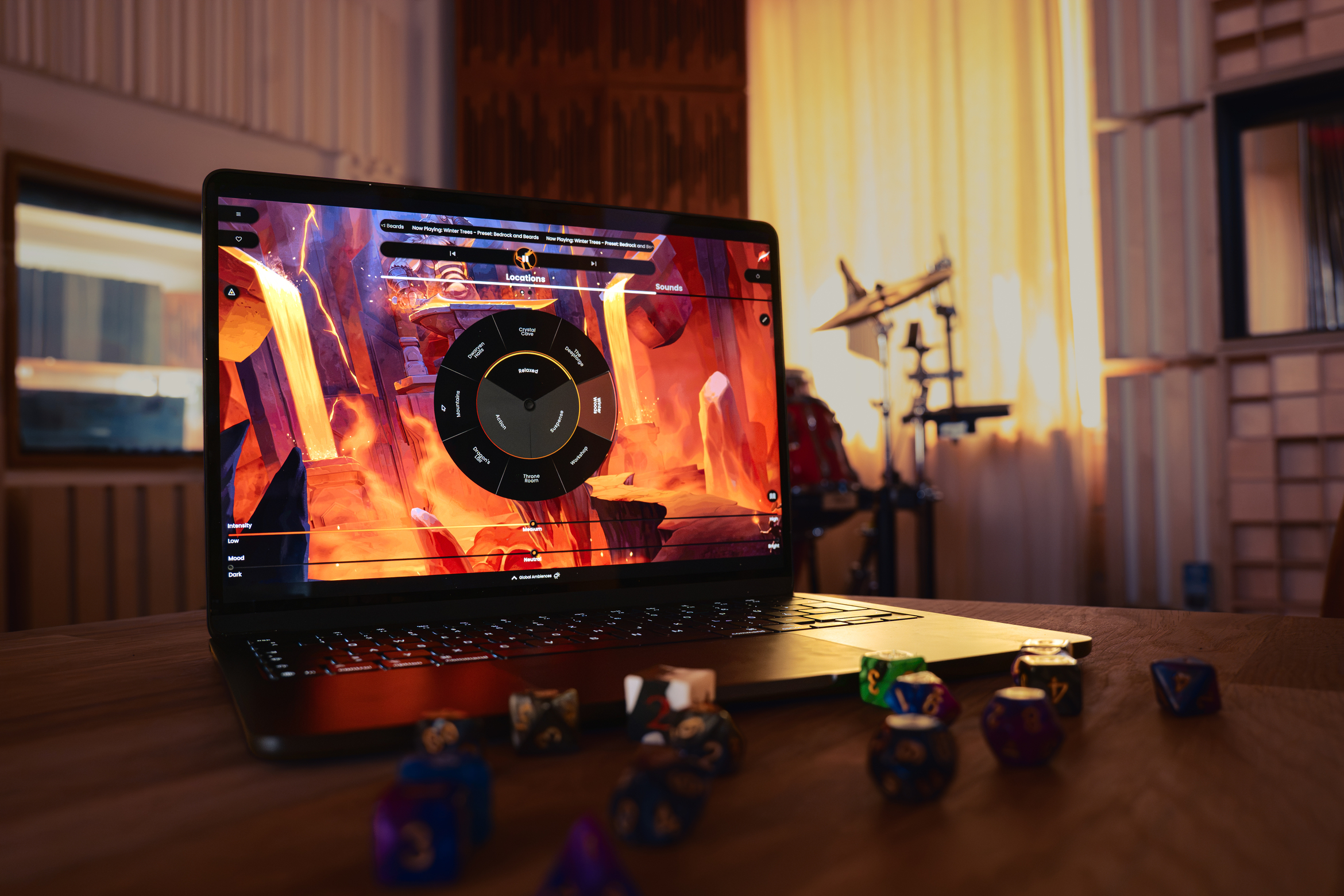
We've refreshed the Content Library with a cleaner, more structured layout that makes browsing your library easier than ever. Alongside that, we've refined the overall UI with a darker, crisper color palette, making the skins to stand out while giving the app a more polished feel.
⚙️ More Control
We've added several new settings based on community feedback, including the ability to:
- Disable automatic content updates
- Turning the pulsating play button on or off.
- Restore the legacy color theme.
- Adjust a new Master Volume slider for app-wide audio control (found underneath the balance triangle)
The Master Volume was one of our most requested features, especially from creators and GMs who stream TableTone.
🔊 Quick Access to Your Sounds
Need a sound effect that's not on your Sound Wheel? The new Sound Library gives you instant access to your entire collection, making it easy to fire off the perfect sound whenever you need it.
🎭 Smarter Scenes
Scenes save the music that is currently playing now, never miss an opportunity to curate the perfect scene for your game nights.
As always, thank you for all the feedback and feature requests. They continue to help us develop TableTone and make the tool better every update.